SeeVideoSeeVideo

Discover creative formats

Trending AI Video Templates

AI video templates are repeatable scene or performance ideas that give a video a recognizable starting point. Explore the Hotel Lobby AI and Bulin 47 AI concepts, review what each current page supports, then follow its detail link for accurate input guidance.

2 templates shown. Clear the search to see the full collection.

Explore the collection

AI video templates to explore

Each detail page has its own input guidance. Check it before preparing photos or other media.

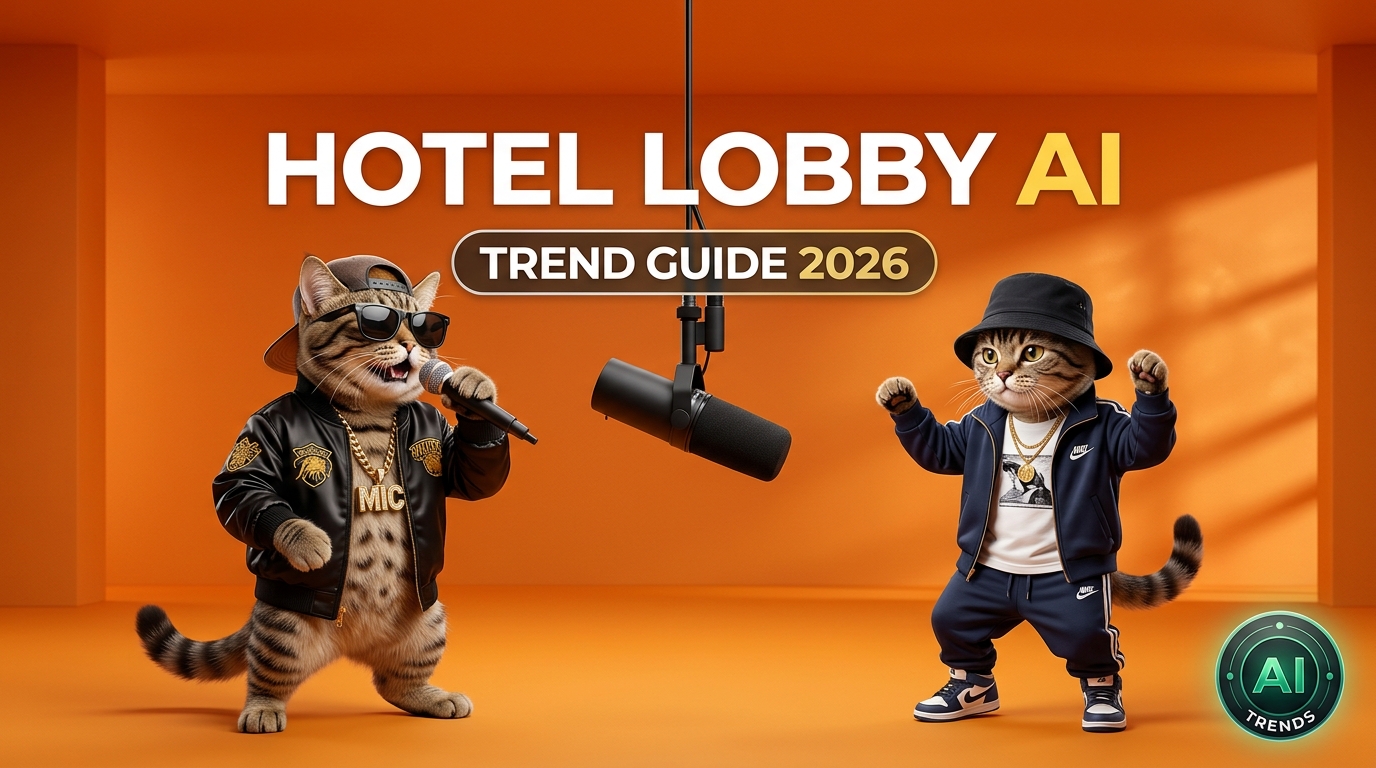
Hotel Lobby AI orange booth duet

Hotel Lobby AI

A two-person performance concept built around an orange booth and alternating performer positions. The existing Hotel Lobby workspace accepts two subject photos and optional background and scene direction inputs.

Input information

  • Two subject photos
  • Optional scene and audio references
Read about Hotel Lobby AI
Bulin 47 AI freestyle performance

Bulin 47 AI

Create a Bulin 47 freestyle video from one person photo, a scene image, and site-configured reference audio.

Input information

  • One JPEG, PNG, or WebP person photo, up to 10 MB
  • 9:16 · 10, 12, or 15 seconds · 768p or 2K
Read about Bulin 47 AI

How AI video templates work

  1. 1. Choose a direction

    Read the description and decide whether the scene or performance concept fits your project. Open its detail page to see the current workspace.

  2. 2. Prepare permitted inputs

    Prepare photos, audio, and references that match the scene you want to create.

  3. 3. Review before generating

    Choose the available settings, add your prompt and references, then create your video.

What you need to start

Choose a template to see its video settings and required inputs.

For Hotel Lobby AI: Create a two-person performance with two subject photos and optional scene and audio references.

For Bulin 47 AI: Create a vertical freestyle video from one person photo, with selectable duration and resolution.

Before uploading, check that people shown in your material have agreed to its use where required. Keep an original copy of your files and avoid uploading private or sensitive material unless you understand the service terms.

How to compare AI video templates

Choose a two-person performance workflow or a vertical freestyle workflow, then open its page to start creating.

Two-person performance

Build a duet from two performer photos with optional scene direction and audio references.

Vertical freestyle video

Create a vertical clip from one person photo, then choose the duration and resolution for your video.

AI video templates FAQ

What are AI video templates?

AI video templates are ready-to-use scene and performance ideas for your next video.

What should I prepare before choosing a template?

Open a template page to load its generator and start creating with the listed inputs.