
Hotel Lobby AI Rap Video Generator
Turn two performer photos into a vertical 9:16 Hotel Lobby AI duo video. Set the left and right roles, add an optional scene direction or background image, and create a 10-, 12-, or 15-second video at 720P.
Left performer + Right performer
Choose a clear photo with one visible subject for each performer.
Left performer
Choose a clear photo with one visible subject for each performer.
Right performer
Choose a clear photo with one visible subject for each performer.
Advanced settingsOptional scene direction and background image
Background image (optional)
Add a reference image for the booth setting, lighting, or stage atmosphere.
Review and download your finished vertical MP4 here.
Example Templates
Browse curated Hotel Lobby AI video examples. Hover to preview each template.
How to Make a Hotel Lobby AI Rap Video from Two Photos
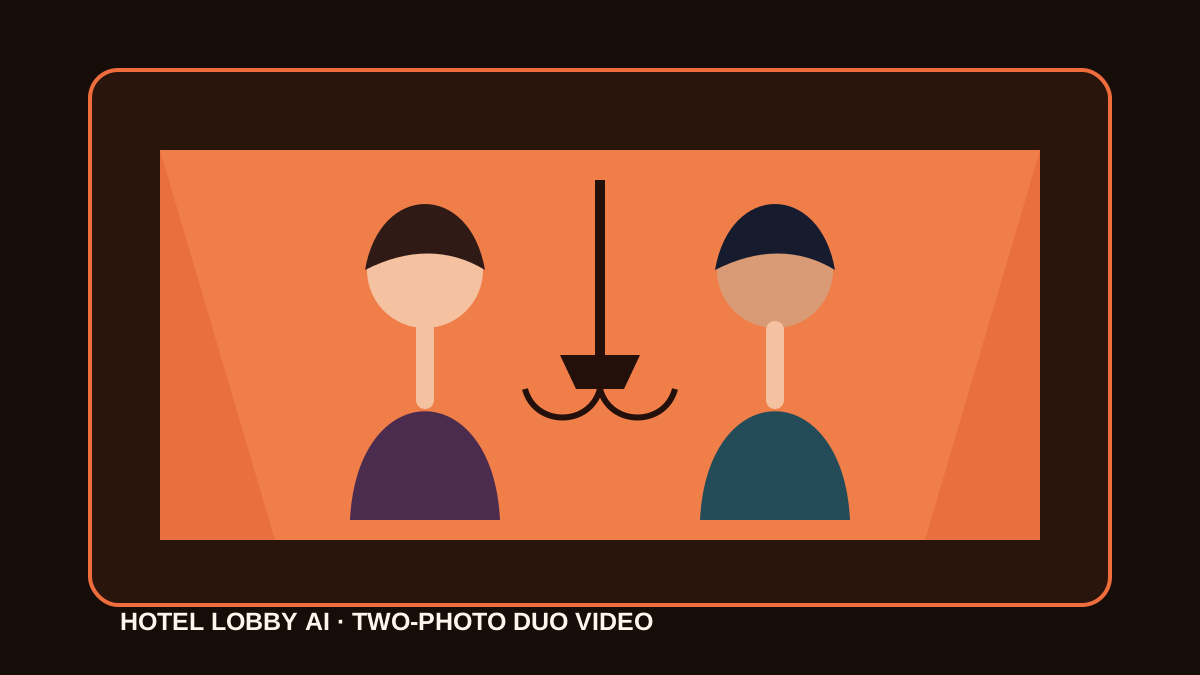
Hotel Lobby AI is a short-form AI performance video featuring two performers in an orange booth. The same format is also described as an orange-booth duet, a rap-video trend, an AI duo video, or a video made from two photos. This generator assigns one photo to each side and creates a vertical 9:16 scene.
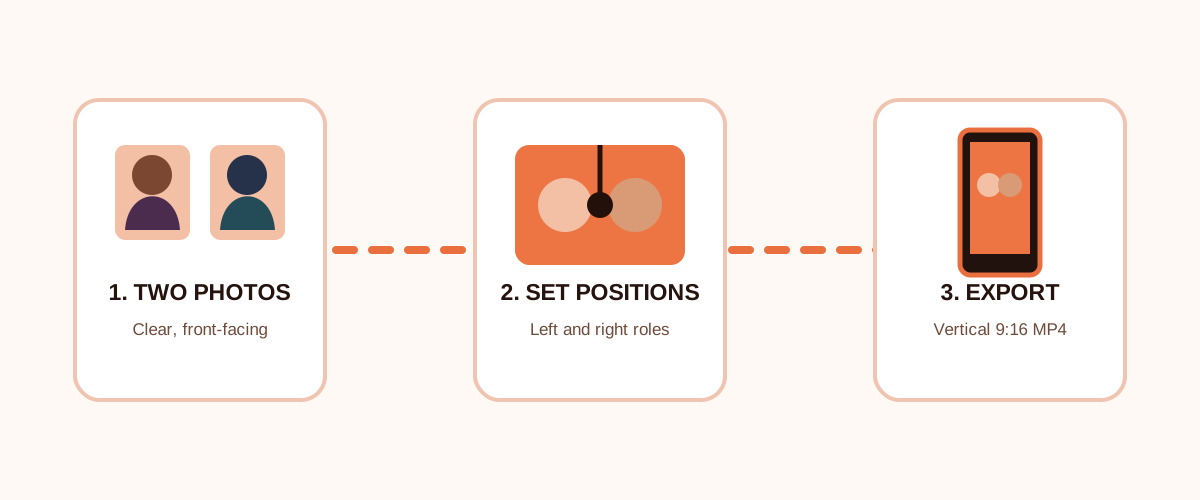
Create a two-photo Hotel Lobby AI video in three steps
- 01
Upload two performer photos
Choose one clear, well-lit photo for each person and upload them separately as the left and right performers. A single visible subject makes it easy to set each role.
- 02
Set the scene and video length
Add a short scene direction or optional background reference to shape the orange-booth setting. Choose a 10-, 12-, or 15-second vertical 9:16 video at 720P.
- 03
Generate and download your video
Check the credit estimate for your selected length and start generation. Track the task in the workspace, then review and download the finished MP4.
Hotel Lobby AI generator settings
- Photo inputs
- Upload two performer photos, one for the left role and one for the right. A scene direction and background image are optional. Each image can be up to 10 MB.
- Video format
- Create a vertical 9:16 orange-booth performance with a fixed camera and left/right performer roles.
- Length, resolution, and credits
- Choose 10, 12, or 15 seconds at 720P. Generation uses 10 credits per second, and the workspace shows the estimate before you submit.
- Generation and download
- Sign in to submit a generation. Follow processing in the workspace, then review and download the completed MP4 from the result area.
Hotel Lobby AI, rap videos, and orange-booth duets
People use several phrases for this format: Hotel Lobby AI video generator when they want to create a clip, Hotel Lobby AI rap video or AI duo video when describing the result, orange-booth duet when naming the scene, and Hotel Lobby AI template when looking for a repeatable setup. Each phrase points to a two-performer short video made from separate photos.
Make a two-photo AI performance video for your duo
Create a playful performance with a friend, partner, sibling, or another duo. Upload one photo per role, place each performer on the left or right, and add a short direction for the scene you want to create.
Hotel Lobby AI prompt and scene direction
Use the scene direction field to describe the orange booth, lighting, camera feel, gestures, or a simple exchange between the left and right performers. An optional background image can guide the setting. Keep the prompt concise and describe actions in the order they happen.
What is the Hotel Lobby AI orange-booth duet trend?
Hotel Lobby AI names a short-form performance format with two performers sharing an orange booth scene. Searchers may also call it a rap-video trend, orange-booth duet, AI duo video, or video template. This video generator turns two performer photos into a vertical performance, with one photo assigned to the left role and one to the right.
Tips for a stronger Hotel Lobby AI video
- Use one subject per photo with a visible face, even lighting, and a simple background.
- Frame both subjects from a similar distance and angle so they feel balanced in the two-person scene.
- Keep scene directions simple: describe the orange-booth setting, then write the left/right speaking or movement order.
Hotel Lobby AI video generator questions
What is a Hotel Lobby AI template?
A Hotel Lobby AI template describes the orange-booth duet format: two performers share a frame and take turns in a short performance video. This generator creates that style from two performer photos.
What photos should I use for a Hotel Lobby AI video?
Upload one clear photo for the left performer and one for the right. Well-lit images with one visible subject and similar framing work well as source photos.
How can I customize the Hotel Lobby AI scene?
Add a short scene direction to describe the setting, movement, or dialogue. You can also upload a background reference image to guide the booth, lighting, or stage atmosphere.
What aspect ratio and video lengths can I choose?
The Hotel Lobby AI generator creates vertical 9:16 videos. Choose 10, 12, or 15 seconds in the workspace.
What resolution does the video use, and how many credits does it cost?
Videos are generated at 720P for 10 credits per second. The estimate is 100 credits for 10 seconds, 120 for 12 seconds, or 150 for 15 seconds; the workspace shows your selected estimate before submission.
Can I upload audio or use the original song?
Audio upload is not part of this workflow, and the generator does not include an original song. Use the scene direction field to describe the performance and speaking order.
Trend context and sources
Read background reporting on the Hotel Lobby AI trend and view the performance associated with its orange-booth visual style.